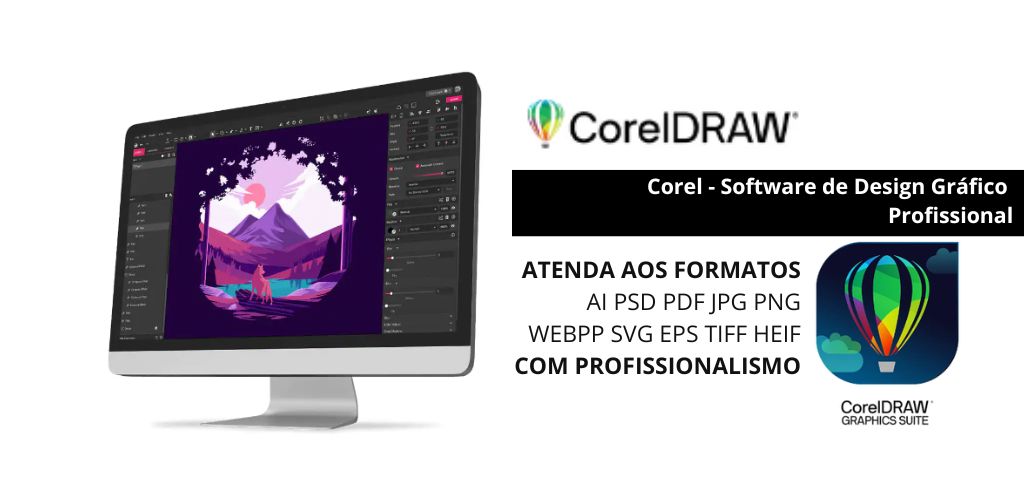
CorelDRAW is graphic design software widely used by professionals in various fields, such as illustration, logo design, packaging design, advertising, and more. It can offer several advantages for your work, especially if you’re creating graphic materials, and can complement your skills.
User-Friendly and Customizable Interface
CorelDRAW’s interface is very intuitive, allowing beginners to get up to speed quickly.
In addition, you can customize the workspace to suit your needs, which makes it easier to work efficiently.
Advanced Typography Tools
If your work involves text design, CorelDRAW offers detailed control over typography, allowing for precise adjustments to fonts, alignment, and spacing—which is essential for creating professional layouts.
Powerful Vector Illustration Tools
CorelDRAW focuses on vector illustrations, allowing you to create scalable graphics without any loss of quality. This is useful for creating logos, graphics, icons, and other elements that need to be resized frequently.
Compatibility with Other Software
CorelDRAW offers excellent compatibility with other graphic file formats, such as AI, PSD, PDF, JPG, PNG, and others, facilitating integration with tools like Adobe Illustrator and Photoshop.
Automated Design Features
The software includes several automated features, such as smart guides, object alignment, and print preset tools. These features save time on repetitive tasks and help maintain consistency.
Check out other highlights and additional information at the link provided by the editor below?
Reference: ChatGPT OpenAI
Corel - Professional graphic design software
CorelDRAW focuses on vector illustrations, which allows you to create scalable graphics without any loss of quality. This is useful for creating logos, graphics, icons, and other elements that need to be resized frequently.